AI Tools for Visually Impaired Seniors: A Plain-Language Guide
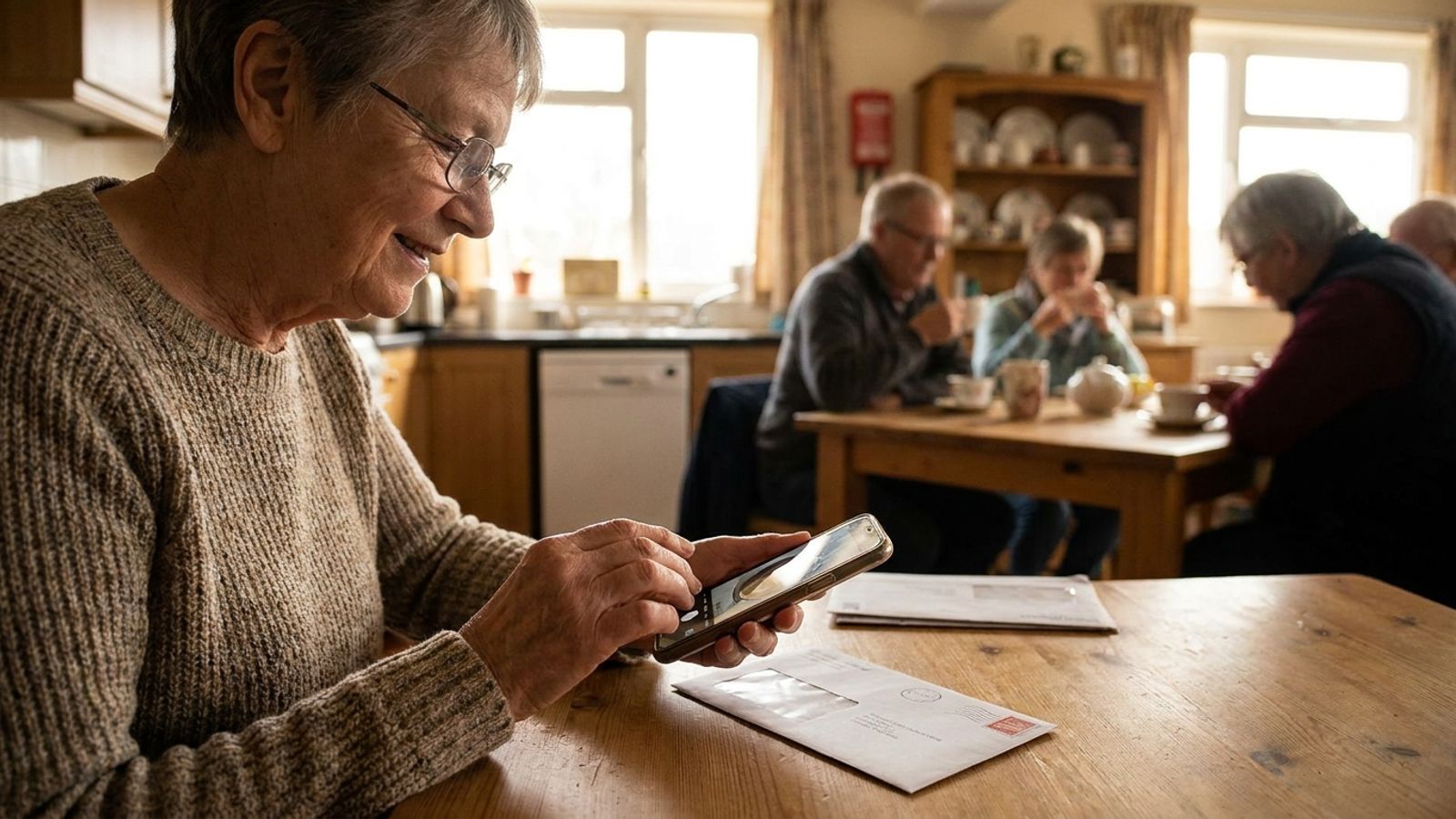
For visually impaired seniors, artificial intelligence is a practical tool for everyday independence. Free smartphone apps like Be My Eyes, Microsoft’s Seeing AI, and ChatGPT Voice can instantly read your mail, identify household items, and describe your surroundings aloud, helping you navigate daily life with confidence.
Vision changes are a normal part of getting older, but they can be incredibly frustrating. Fumbling with a thermostat, struggling to read the oven dial, or holding a piece of mail under a bright light just to see the return address are daily realities for many. According to data analyzed by VisionServe Alliance and the CDC, over 7% of Americans aged 65 and older report having serious difficulty seeing, even when wearing glasses. That number grows significantly as we reach our seventies and eighties.
Vision loss threatens independence, making older adults feel reliant on family members or caregivers for simple tasks. For decades, older adults dealing with macular degeneration, glaucoma, or cataracts had to rely on heavy lighted magnifying glasses or expensive closed-circuit reading machines. Today, the most powerful accessibility device is likely already sitting in your pocket or purse.
Your smartphone can now step in as a pair of digital eyes. Artificial intelligence has fundamentally changed accessibility technology. We are not talking about complicated software that requires a computer science degree. We are talking about free, plain-language apps that speak to you. By learning just a few basic smartphone commands, you can sort your own mail, pick out matching clothes, and read the labels in your pantry.
How do I use AI to read mail and product labels?
You can read mail and product labels using free mobile apps like Microsoft’s Seeing AI. You simply point your smartphone camera at a piece of paper, an envelope, or a soup can, and the application instantly reads the text aloud to you, helping you sort mail and identify groceries.
The Seeing AI app is built specifically for the blind and low-vision community. It organizes its features into different “channels” that you can easily switch between. The most popular is the Short Text channel. When you open this channel and hold your phone over an envelope, a recipe card, or a prescription bottle, the app immediately starts speaking the words it sees. You do not even have to press a button to snap a photo; it reads live.
When sorting through the daily mail, you can place your envelopes on a dark table so they stand out. Hold your phone above the pile. As you pass over each envelope, the app will read the return address and the recipient’s name, allowing you to quickly separate junk mail from important bills.
For longer reading, like a utility bill or a letter from a friend, you use the Document channel. The app will verbally guide you to hold the phone level, telling you to move the camera up, down, left, or right until the whole page is in view. It then takes a picture and reads the entire document to you. You can even use this feature to read old handwritten notes if you are recording family history.
Another excellent option is the Be My Eyes app. For years, this app connected blind users to sighted human volunteers via live video. Recently, they added a feature called “Be My AI.” You take a picture of a label, and the artificial intelligence describes it. You can even ask follow-up questions. If you take a picture of a frozen dinner box, you can ask the app, “How long do I microwave this?” The app will find the specific instructions on the box and read them back to you.
Can AI help me navigate my home and identify objects?
Yes, AI can identify objects and help you navigate your living space. By taking a picture with the Be My Eyes app, the artificial intelligence can describe an entire room, tell you where your keys are sitting, or identify whether a shirt is blue or black before you get dressed.
Losing track of small items is a common frustration, especially when your vision is blurry. If you drop a television remote on a patterned rug, finding it can take a long time. With Be My AI, you can hold your phone up, take a wide photo of the floor, and ask, “Where is the remote?” The app will reply with specific directions, like telling you the remote is near the bottom left corner of the rug, just next to the coffee table leg.
These tools also remove the guesswork from your kitchen and closet. Seeing AI includes a Product channel that scans barcodes. As you move your phone around a box or a can, the app plays a series of beeping sounds. The beeps get faster as the camera gets closer to the barcode. Once it locks on, it speaks the name of the product out loud. This means you will not accidentally open a can of tomato paste when you wanted cherry pie filling.
For getting dressed, you can use these apps to check colors and patterns. You can point your camera at a sweater and ask the app to describe it. It will tell you if the fabric is a solid navy blue or a black-and-white stripe. This helps you put together matching outfits without needing a second opinion from a caregiver.
When using these visual tools, remember that they are meant to supplement your existing mobility aids. Do not stare at your phone while walking. Instead, stop, stand securely, and use your camera to get your bearings before you move.
What should I know about using ChatGPT Voice for daily assistance?
You should know that ChatGPT Voice acts as a conversational assistant you can talk to naturally. While it does not physically see for you unless you use the camera, you can ask it to set reminders, explain complex topics, or read recipes aloud while you cook your meals.
ChatGPT is widely known as a typing tool, but the mobile ChatGPT app has a powerful voice feature that is incredibly useful for seniors with visual impairments. When you open the free app on your smartphone, you can tap the headphone icon to start a voice conversation. You speak to it just as you would talk to a friend on speakerphone, and it speaks back with a clear, lifelike voice.
This is highly practical when your eyes are tired. Instead of straining to read a news summary or looking up weather forecasts on a tiny screen, you can just ask ChatGPT. You can say, “I live in Chicago, what is the weather going to be like this afternoon?” or “Explain the rules of the new board game my grandchildren want to play.” The app listens to your full question and gives you a direct spoken answer.
You can also combine its voice with your camera. If you are staring at a new digital thermostat and cannot read the tiny buttons, you can take a picture of it in the ChatGPT app. You can then use this prompt:
I am attaching a picture of my thermostat. How do I turn the heat down on this specific model?
The AI will look at the image, identify the buttons, and give you step-by-step verbal instructions. Another great use is in the kitchen. You can take a picture of your refrigerator shelves and say:
I have these ingredients in my fridge. What is a simple, 30-minute dinner I can make, and can you read the recipe to me step-by-step?
Just be mindful of your privacy. You should avoid taking pictures of sensitive financial documents, credit cards, or private medical records when using general AI chat apps. If you want to know how to spot and stop AI scams, keeping your personal data off public platforms is a good first step.
Getting Started Safely
Learning new technology can feel overwhelming, especially if you are not used to relying on your phone. The best approach is to pick just one app to start. Download Seeing AI or Be My Eyes on your smartphone and practice using it on familiar items in your home. Try reading a book cover or scanning a barcode on a cereal box you already recognize.
Make sure your phone’s volume is turned up, and consider getting a comfortable pair of wireless earbuds or a lanyard so you can keep your hands free while moving around. These tools are designed to support your independence and help you age in place comfortably. With a little practice, your smartphone will become one of the most reliable assistants in your home.